The Challenge
A church staff is still a workplace. Jesus is Alive CMNV now employs multiple full-time staff, alongside part-time, intern and probationary roles, and every one of them accrues leave, files reports, turns up in the morning and sits somewhere in an employment lifecycle that has to be tracked properly.
Before this, most of that lived in notebooks, group chats and memory. Who is on leave. Who came in. What each person is working on. Who to call if somebody is taken ill. None of it was written down anywhere a second person could check.
Generic HR software assumes a corporate shape: a manager, a department, an approval. A church does not work like that. Staff belong to ministries as well as departments. Leave is endorsed by a supervisor but approved by a pastor. And Philippine labour practice puts a probationary clock on every new hire: miss the regularization date and the decision effectively makes itself.
What We Built
A complete staff management system on React and Supabase, covering eight areas behind one login: a pastoral dashboard, attendance, leave, daily reports, tasks, staff records, administration and an audit trail.
See How the System Looks
The screens below are the working portal.
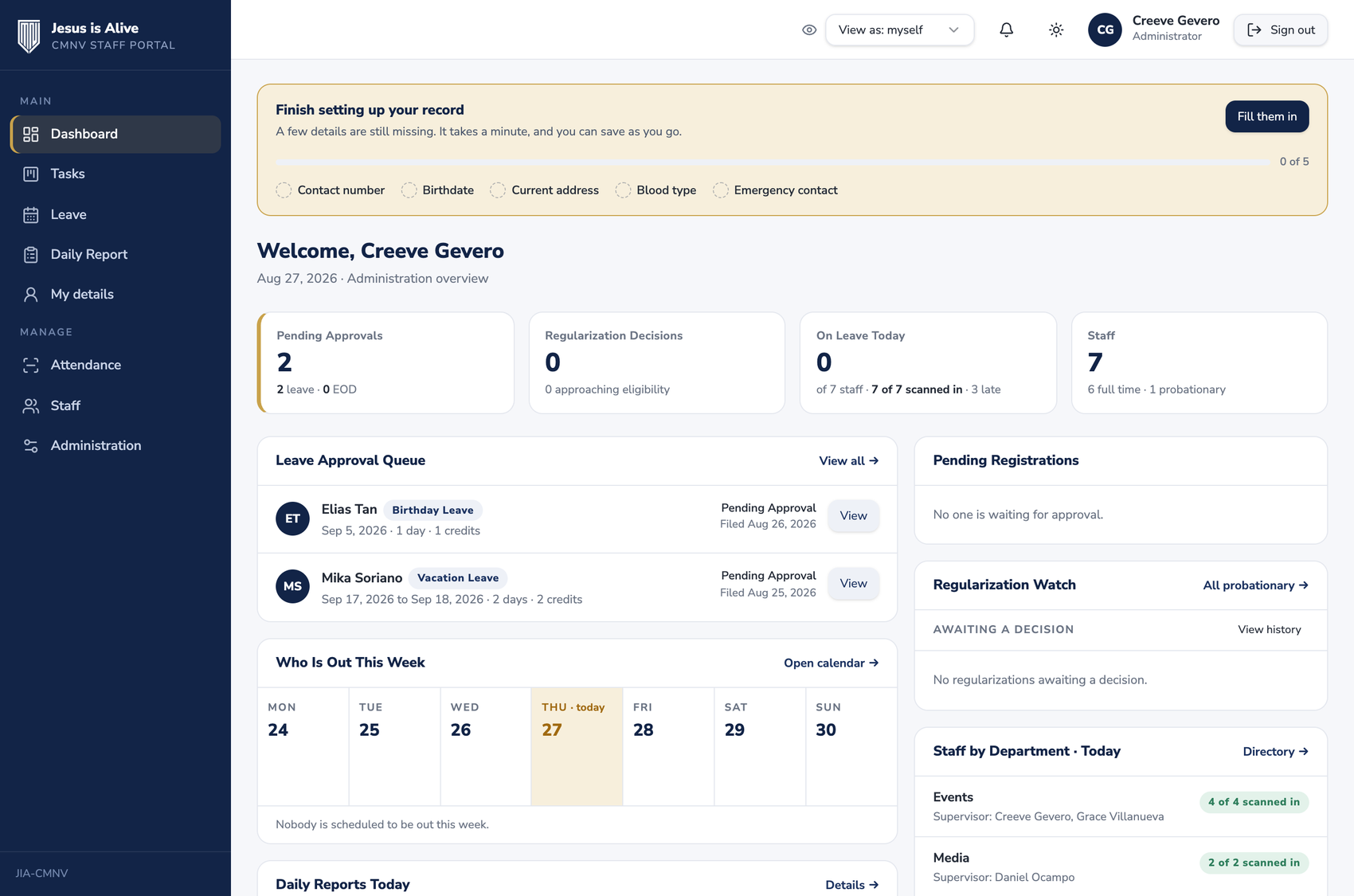
Leave reaches the pastor properly
Leave travels in two stages. The staff member files it, seeing their own remaining credits as they do, so nobody asks for days they do not have. Their supervisor endorses it: the button says Endorse to Pastor rather than Approve, because that is what it does. Only when the pastor approves are the credits actually spent. Until then they are held rather than taken, so a request that gets declined costs the person nothing.
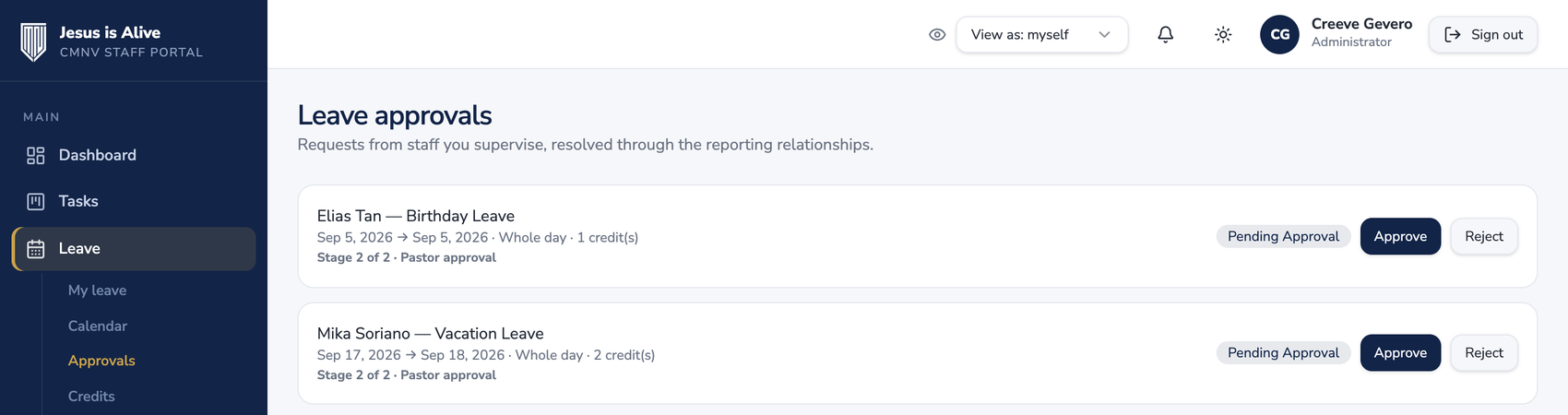
Attendance, by the ID card
Each staff member carries a printed church ID with a code on it. A tablet at the entrance scans it on the way in and on the way out. That is the entire ritual: no signing a book, no remembering to message anyone. The first scan of the day is the arrival and the next is the departure, so nobody at the door has to choose.
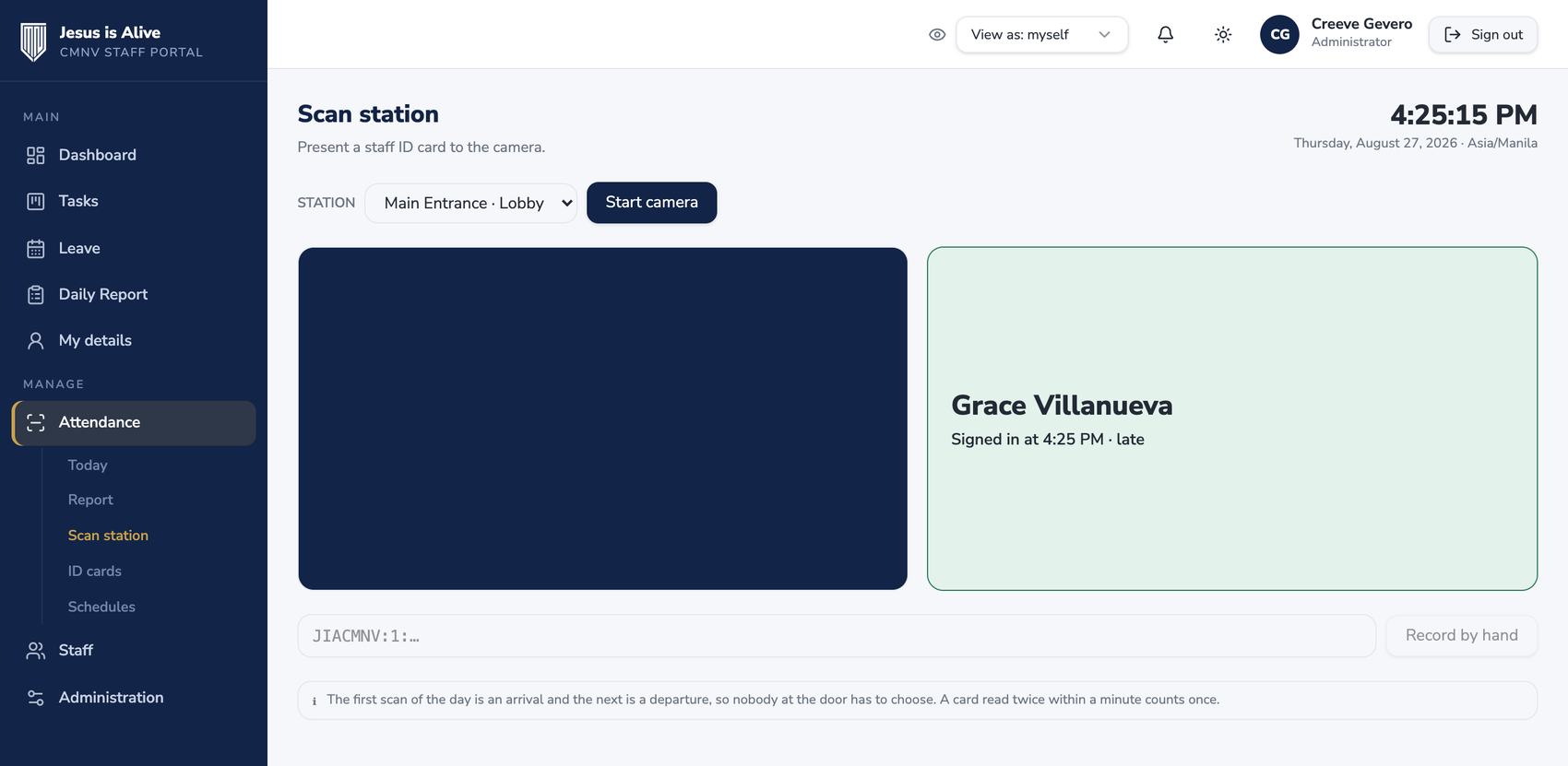
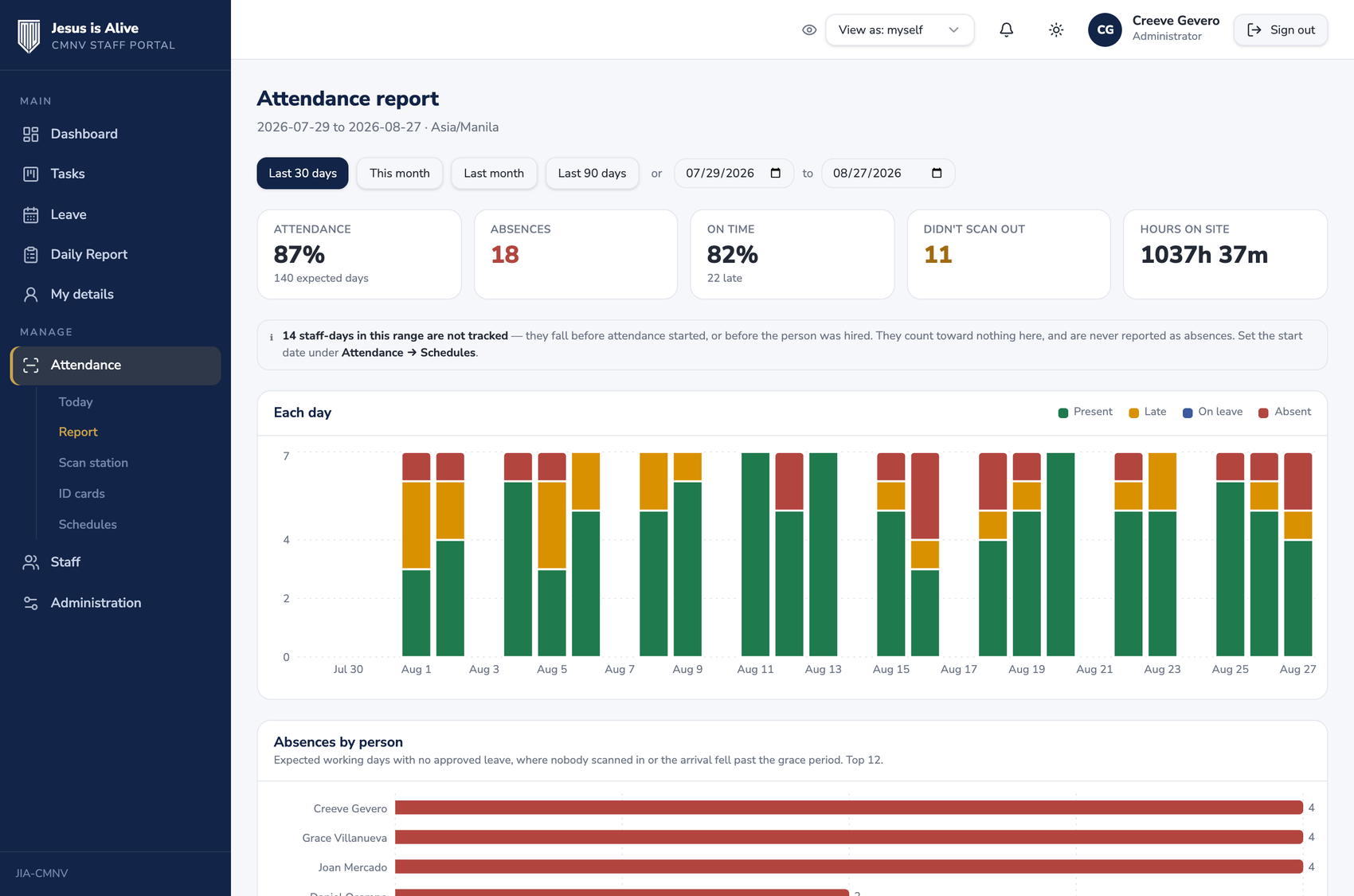
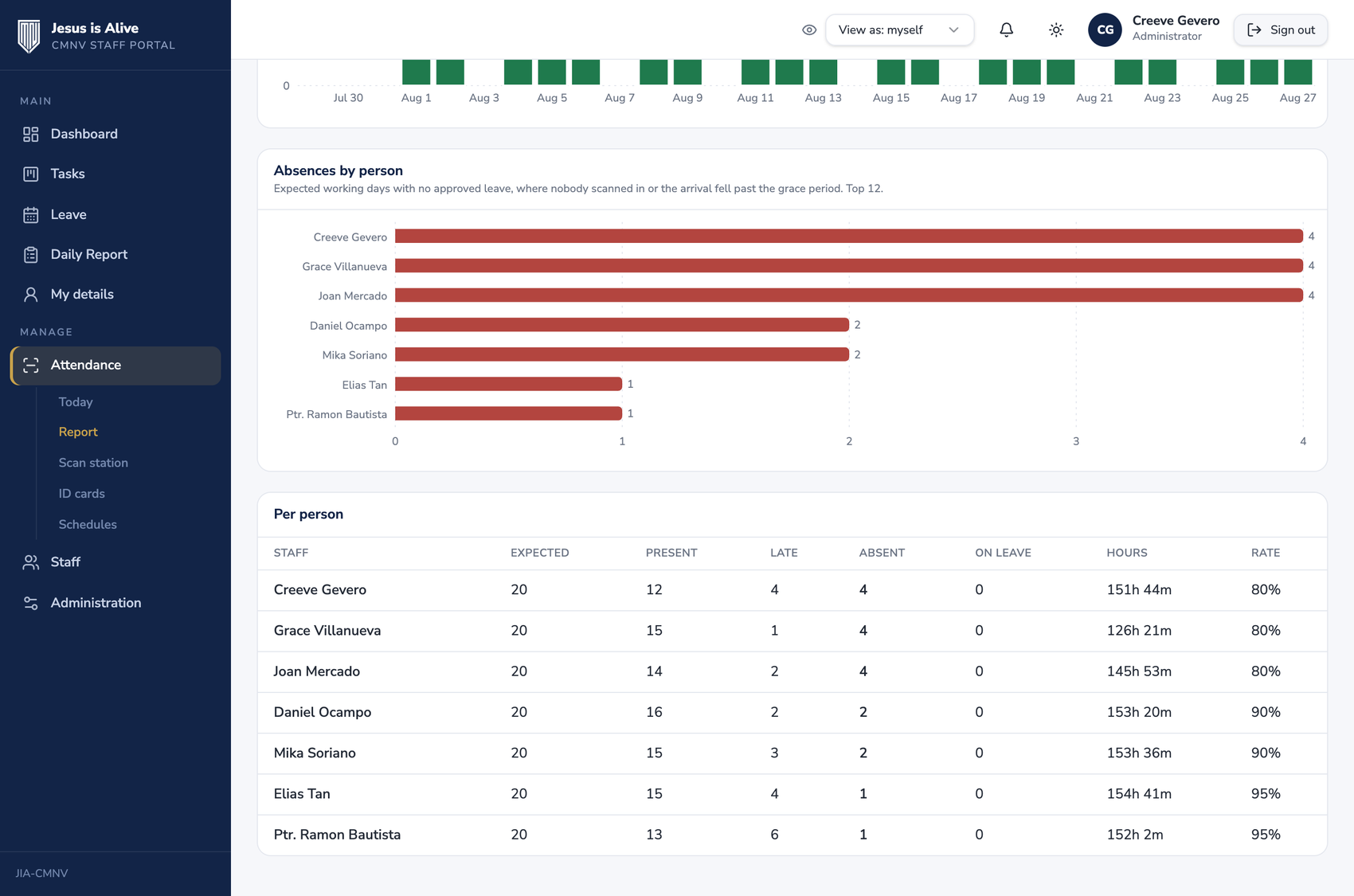
What that produces is the thing that was previously impossible to know honestly: who was actually present, how long they stayed, and who was expected but did not come.
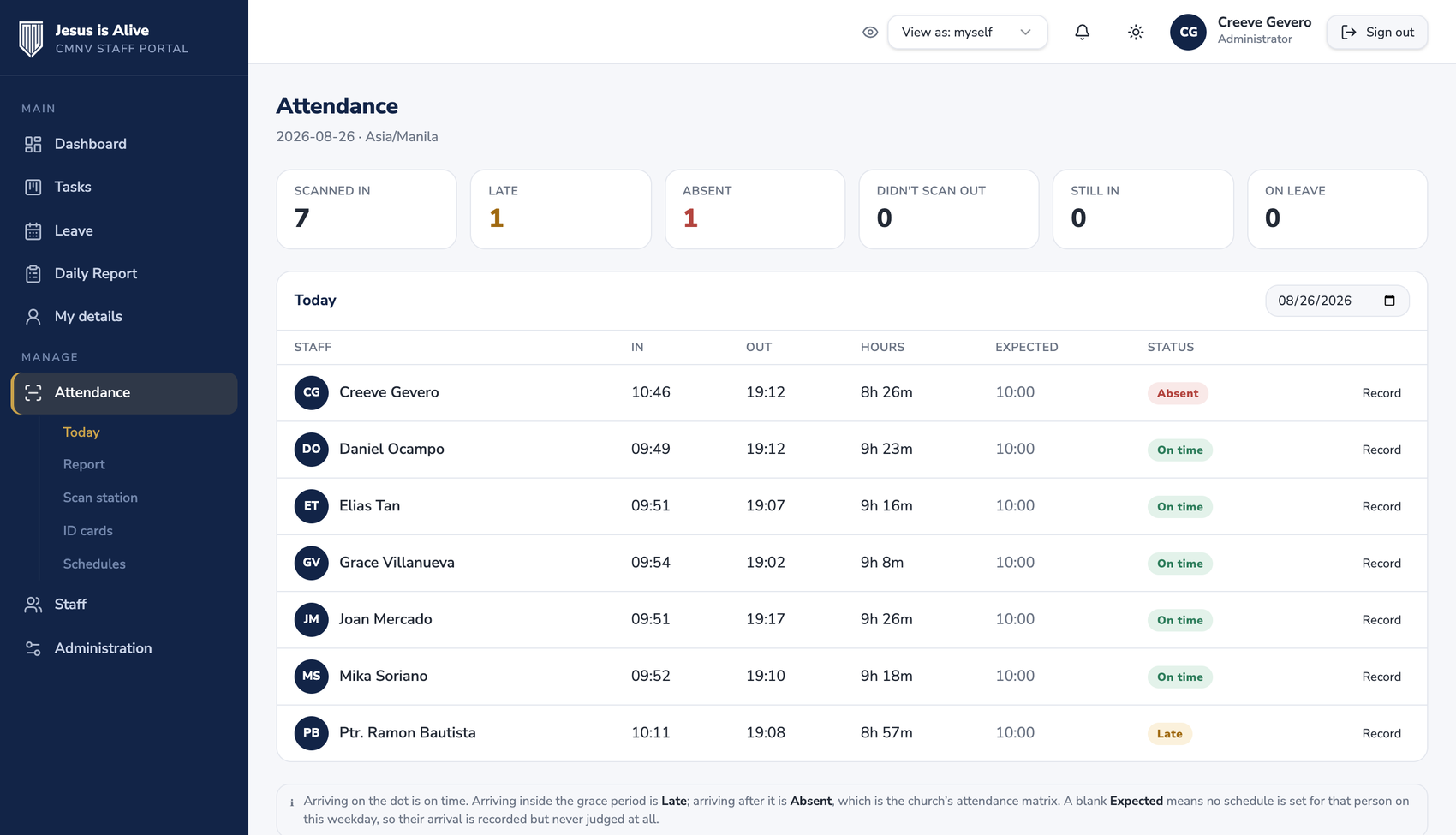
Reading a month without misreading it
The report covers any date range, with the month at a glance and the people absent most often listed plainly. Two rules stop it from lying: days before a person joined and days before attendance started are reported as not tracked, never as absences.
Work you can hand to a whole department
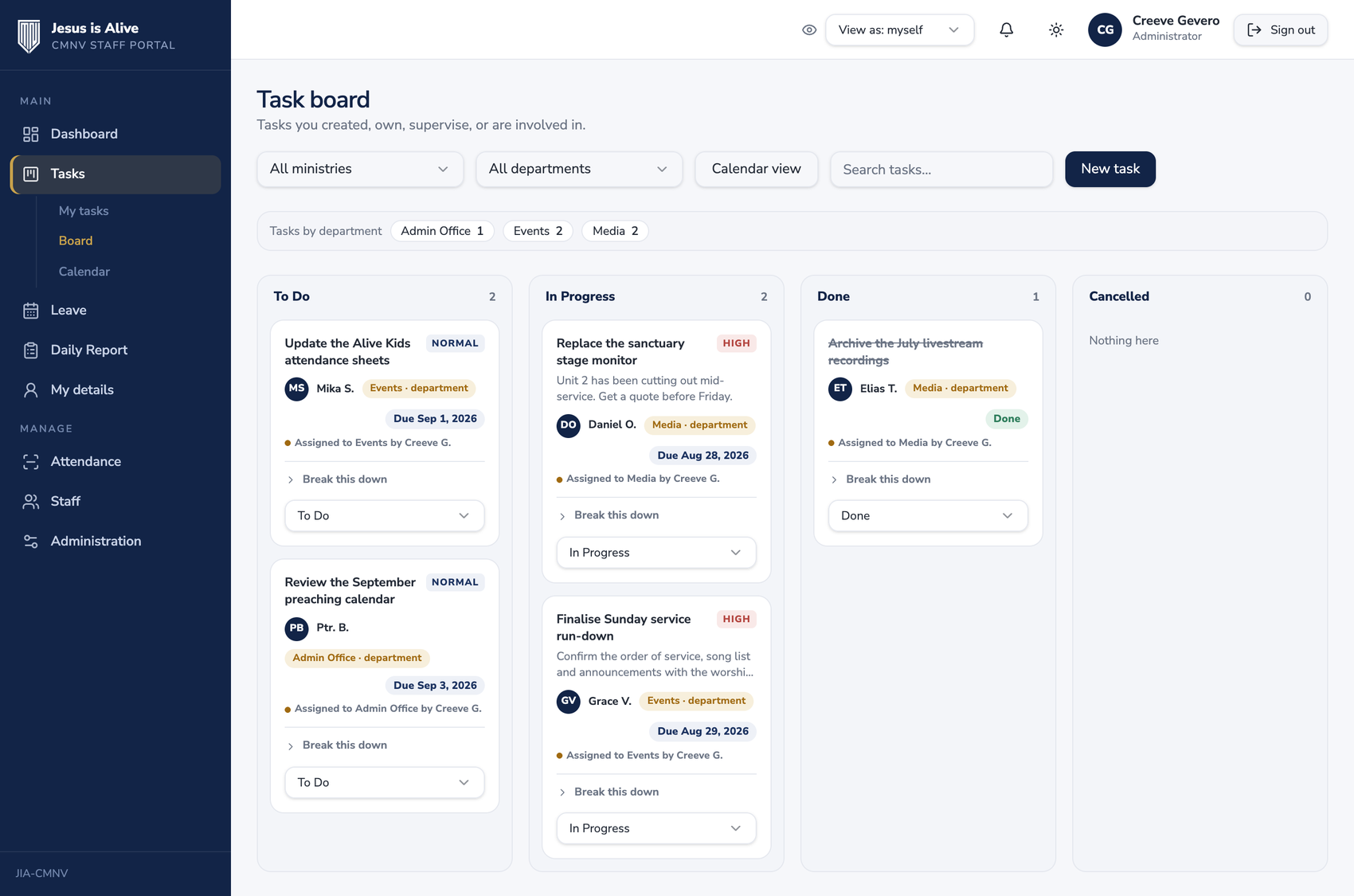
A task does not have to go to one person. Give it to a department and the department head owns it, everyone in that department is told, and they can all see it: useful for the things that are nobody’s job in particular until somebody picks them up.
Departments and ministries are kept separate on purpose, because they answer different questions. The department is who carries the work; the ministry is what the work serves. Somebody in Events preparing the sound desk is doing Events work for the IT ministry, and the portal can say exactly that.
Please note: these are photographs of the working portal. Apart from the administrator’s own account, every name, date and figure shown was invented for the demonstration: no real staff details, leave records or attendance data appear.
The Rules Are the Product
The interesting engineering here was not the screens. It was encoding how CMNV actually operates.
Approvals are configurable, not hardcoded. Leave routes through a workflow engine (workflows, ordered steps and approver rules) rather than an if supervisor then approve branch. Adding the pastor as a second stage meant adding a step, not rewriting the approval logic.
Lateness follows the church’s own matrix. On the dot is on time. Inside the grace period is late, and carries the deduction the matrix sets. Past the grace period counts as absent for the day: the hours worked are still recorded, but the day does not count as attended. Staff with no fixed hours, such as pastors and interns, are never judged against a schedule at all, because there is nothing honest to measure them against.
Hours are never invented. When somebody forgets to scan out, the day closes itself once it is over and is marked Didn’t scan out, but the hours stay blank, because nobody saw them leave. An administrator can fill in the real time where they know it, and that correction is stored under their name.
Changing the schedule does not rewrite the past. Every schedule carries the date it takes effect, and each day is read against the schedule in force on that day. If the church moves Thursday an hour earlier next March, every Thursday already on the record keeps the verdict it was given at the time.
Filing late is allowed, and honest about it. Vacation requested inside the notice period used to be refused outright. It now goes through, but the staff member is told plainly, before they commit, that the days will be recorded as absences and the credits still deducted. The pastor keeps the final say and can waive it for a genuine emergency.
Who Can See What
Staff fill in their own details on first sign-in: contact number, birthdate, home address, blood type, and who to call in an emergency. Their dashboard shows what is still missing until it is complete, so nobody has to chase them.
Visibility was decided deliberately, because not all of it is the same kind of information. A supervisor sees blood type and emergency contact: an emergency contact nobody nearby can reach is not much use. Administrators and pastors also see home address and birthdate. Colleagues see none of it: name, role and department, as in any staff directory. Someone sharing your department can see who you are and what you do. They cannot see where you live.
Permissions Live in the Database
The system has five roles: Super Admin, Admin, Supervisor, Staff and a read-only Auditor. None of them are enforced by hiding buttons in the interface.
Access rules are written as row-level security policies in Postgres, so a staff member querying the database directly still cannot read a colleague’s leave record or a task they were never involved in. The interface reflects permissions; the database enforces them. For a system holding medical-adjacent details and employment decisions about real people, that distinction matters.
Comments are never hard-deleted, they are soft-deleted so the audit record survives, and sensitive actions across staff, roles, supervisors and tasks are logged. Signing up grants nothing on its own: a new person waits in a queue until an administrator lets them in, so an account existing and an account working are two different things.
The Stack
Chosen so a small team can keep maintaining it, boring where boring is a virtue, typed everywhere it matters, and with the security model pushed down into the database rather than bolted onto the interface.
React 19 on TanStack Start, server-rendered, with file-based type-safe routing through TanStack Router.
TypeScript end to end, including database types generated directly from the Postgres schema.
Supabase. Postgres, authentication, and row-level security policies. TanStack Query handles server state on the client.
PostgreSQL, evolved across 50 versioned migrations as the model grew from a flat staff list into departments, ministries, positions and attendance.
Tailwind CSS v4 with Radix UI primitives, plus Lucide icons and Recharts for the dashboard.
React Hook Form with Zod schemas, so validation rules are declared once and shared between the form and the request.
Vite and Bun, built by Nitro and deployed to Cloudflare.
The one deliberate constraint: business rules live in Postgres, not in React. Approval routing, leave-credit deduction, the Manila day boundary and every access rule are enforced in the database, so they hold no matter what talks to it.
Eleven Days, 280 Commits
The first commit landed on 16 August 2026. Eleven days and 280 commits later the portal was complete and demonstrated to the pastoral team, including 50 database migrations as the model matured from a flat staff list into departments, ministries, positions and a full attendance record.
That pace was possible because the scope stayed disciplined. Task ticketing stops at a Kanban: no sprints, no epics, no story points. The daily report never asks anyone to total up their hours, because the scans are the only record of time and a self-reported figure would only create something to reconcile.
Where It Stands
Staff move onto the portal on 1 September 2026. Records are created, each person’s remaining leave credits for the year are entered as they stand, and everyone is invited to sign in, nothing is lost in the move, since earned credits carry across as opening balances.
Attendance can start later than the portal itself. Until the cards are printed and the tablet is at the door, those days report as not tracked rather than as absences, so the first weeks will not look like a church that stopped turning up.
Because it has not yet run a full cycle, we are not putting invented numbers on this page. We would rather come back and publish what actually changed once a month of leave, reporting and attendance has been through it.